

Shutterbug camera guide
How We Test Used Printers
Printer testing depends on the exact unit and the supplies available. Each listing should say what was checked, what worked, and what remains unverified.
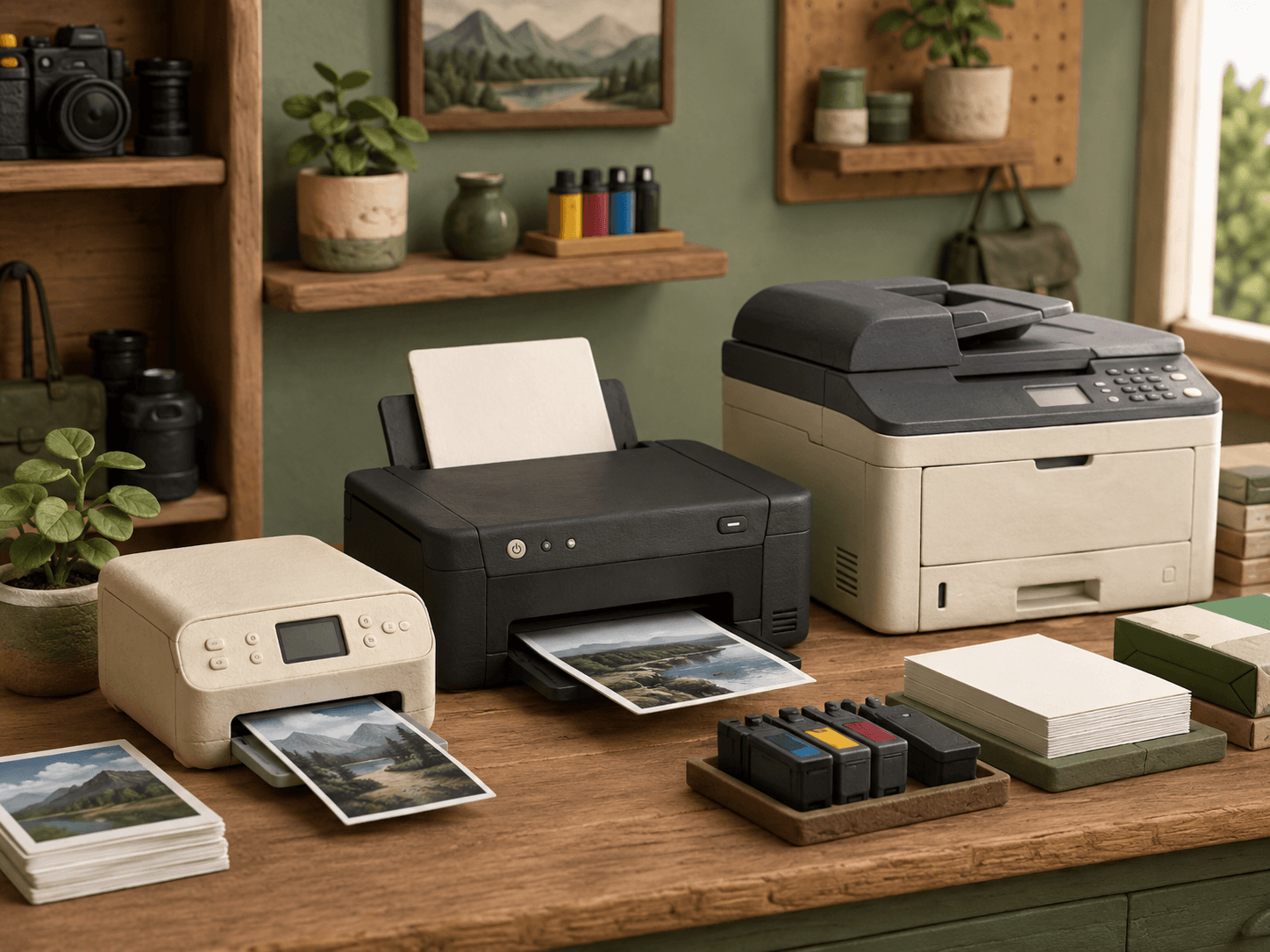
Testing follows the exact printer
A used printer can power on while still having feed, printhead, network, scanner, or consumable problems. Shutterbug records checks for the individual unit instead of treating a model name or clean exterior as proof that every function works.
The product listing is the final record for that unit. If a function is not listed as tested, customers should treat it as unverified rather than assume it passed.
- Confirm the model, serial label, and visible configuration.
- Inspect the housing, trays, hinges, ports, controls, and power connection.
- Record error messages, warning lights, missing parts, and physical damage.
- List the exact cables, trays, cartridges, toner, printheads, and accessories included.
Power, controls, and connectivity
When a compatible power cable is available, the first checks cover startup, display or status lights, buttons, menus, and visible error states. USB, Ethernet, Wi-Fi, Bluetooth, card readers, and app-dependent features are checked only when the unit supports them and the necessary equipment or service is available.
A successful power-on check does not prove printing or scanning. Listings separate those results so customers can see the difference.
Paper handling and print checks
When compatible paper and usable ink, toner, ribbon, or other supplies are available, testing may cover tray pickup, paper feed, alignment, a printer-generated test page, and a print sent from a connected device. Results such as banding, faded output, feed noise, jams, or error codes belong in the unit notes.
If consumables are empty, expired, missing, or unreliable, a full print test may not be possible. The listing should state that limitation and should not describe the unit as fully tested.
- Paper trays and guides move and seat correctly.
- The printer attempts to pick up and move compatible media.
- A self-test or computer print is completed when supplies permit.
- Visible output defects and error messages are disclosed.
Scanner and multifunction features
For multifunction printers, applicable checks may include the flatbed, automatic document feeder, copy controls, and scan transfer to a connected device. Fax functions, subscription features, cloud services, and discontinued apps may require external accounts or infrastructure and are not assumed to work.
Testing one feature does not verify every workflow. A successful flatbed scan, for example, does not prove the document feeder or fax system.
Consumables and buyer setup
Ink and toner levels shown by a printer are estimates and can change during storage or shipping. Used cartridges may be included for testing without being promised as full or long-lasting. Buyers should confirm the correct replacement supplies and any manufacturer account, driver, firmware, region, or subscription requirements for their own setup.
Before buying, compare the listing with the printer manual and the devices you plan to use. Contact Shutterbug when a required test or accessory is unclear.
Packing is part of the process
Printers contain moving assemblies, removable trays, and sometimes liquid ink. Packing should secure loose components and protect controls, hinges, glass, and exterior panels. The exact preparation depends on the printer design and available manufacturer guidance.
Shipping suitability and any local-pickup restriction should be stated on the product listing. No general shipping promise replaces the handling notes for an oversized or unusually delicate unit.